
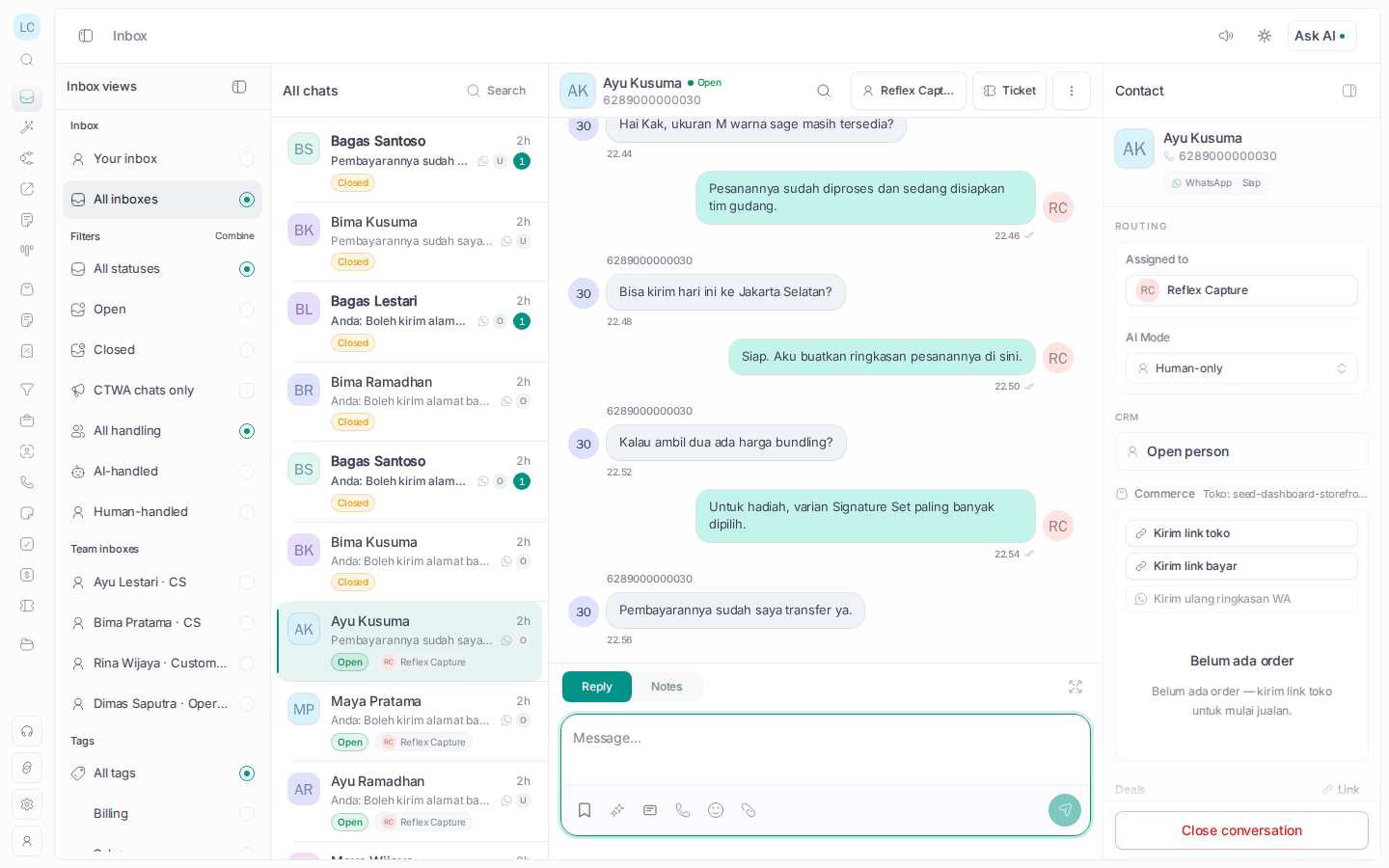
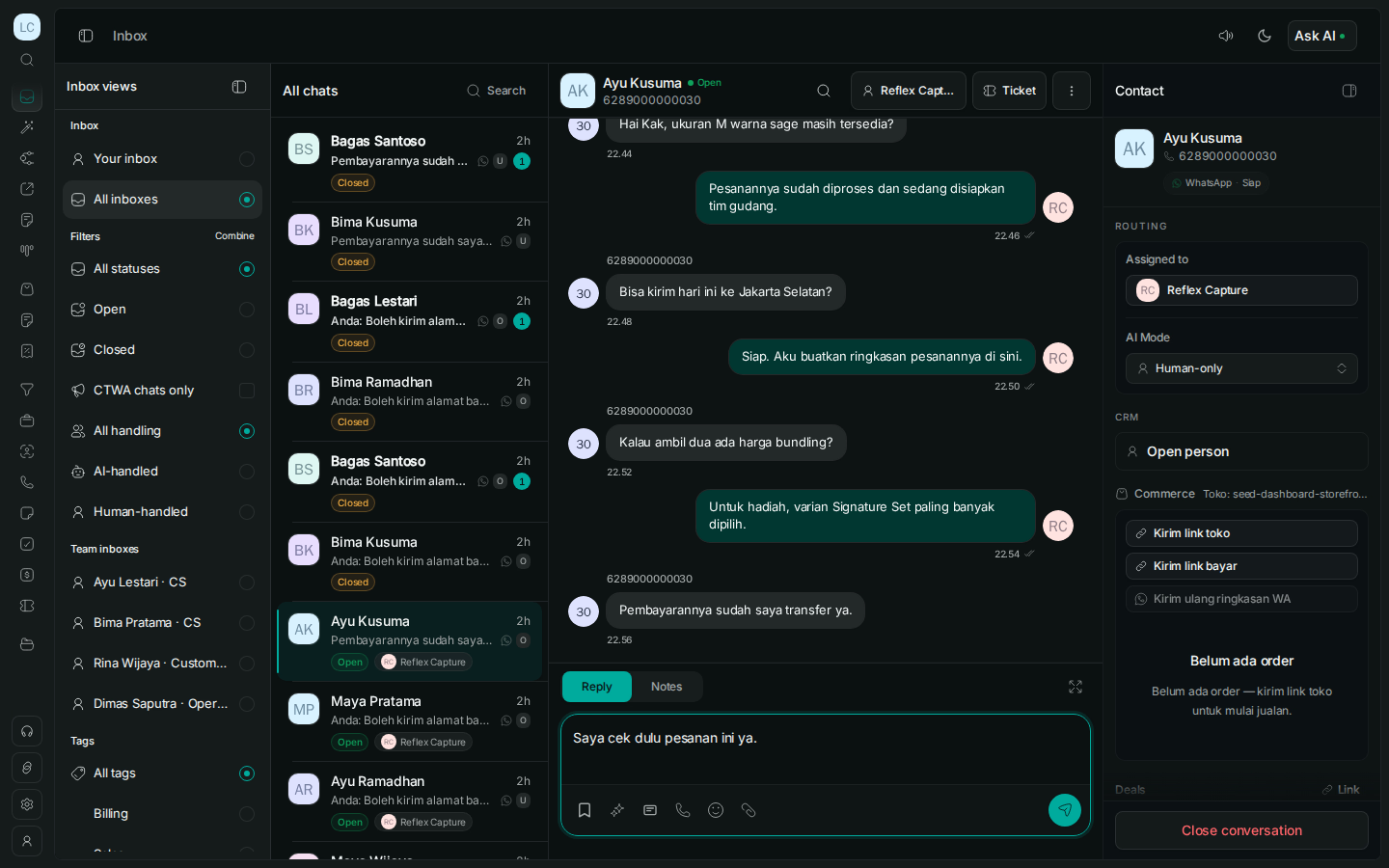
01 / 05 · Team inbox
Make ownership visible from the first reply.
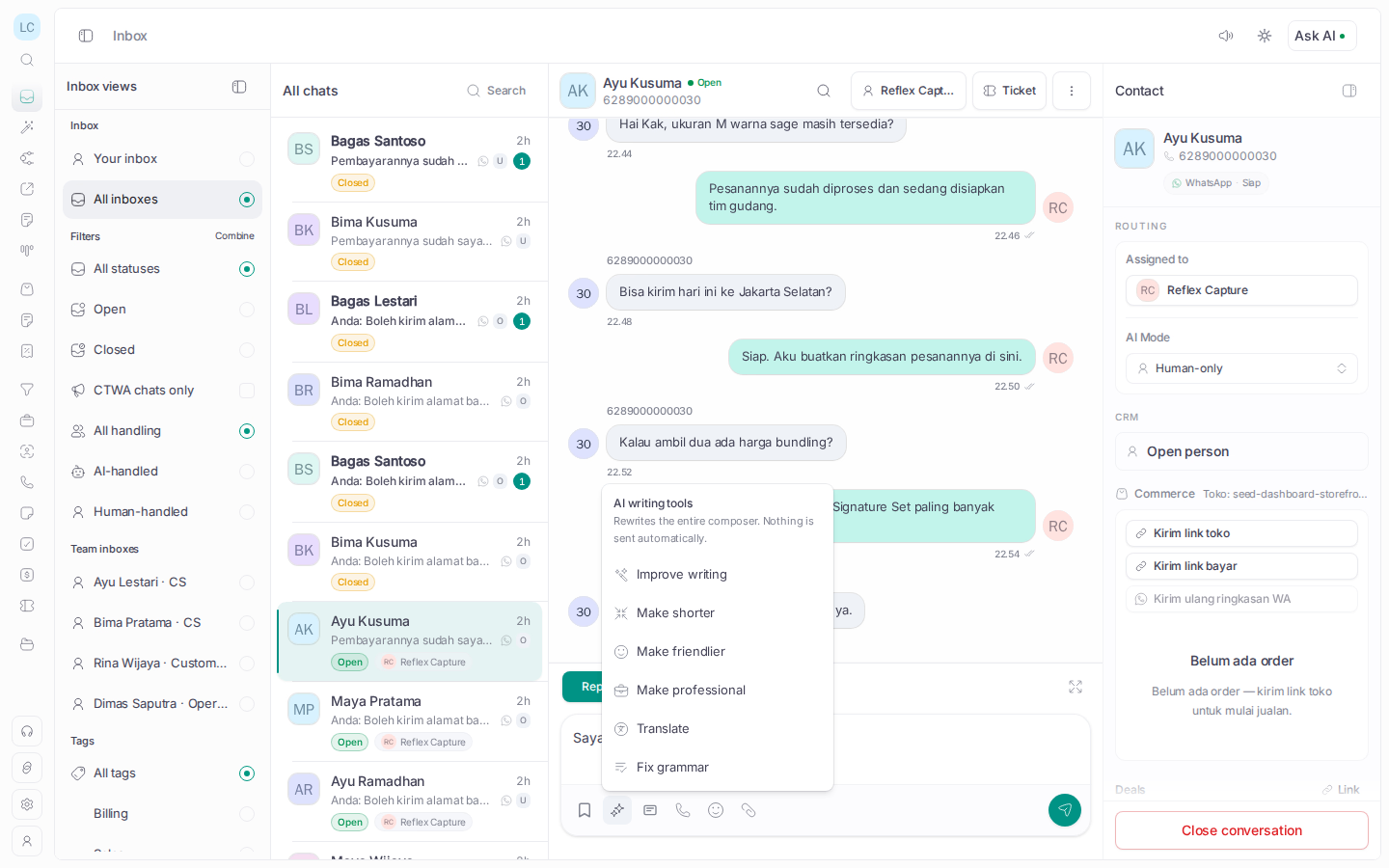
Bring WhatsApp conversations into one queue with assignment, labels, notes, SLA visibility, and customer context attached.
 Wazapin
 Wazapin connects every WhatsApp conversation to the customer context, owner, and next action that moves it from first message to resolution.
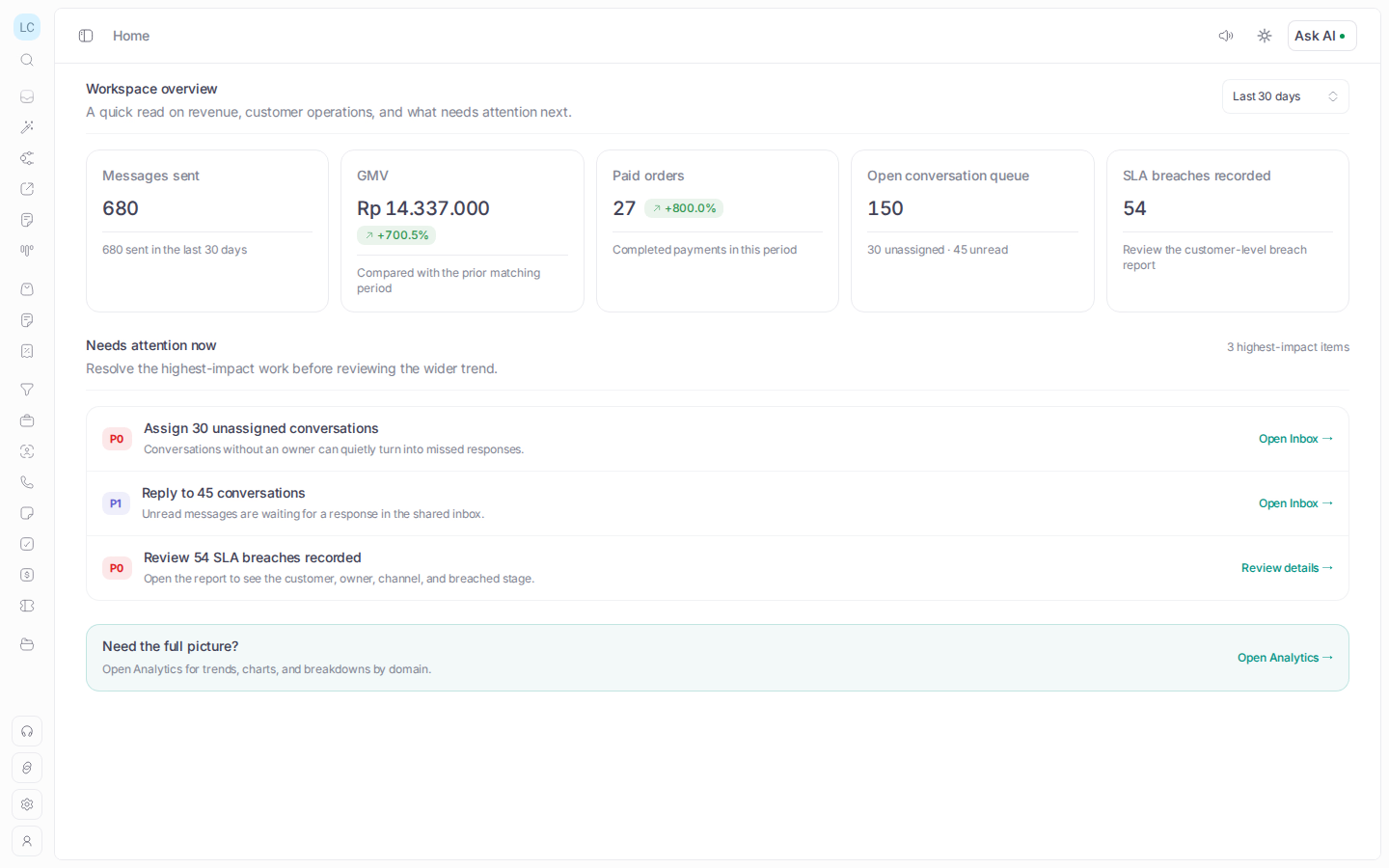
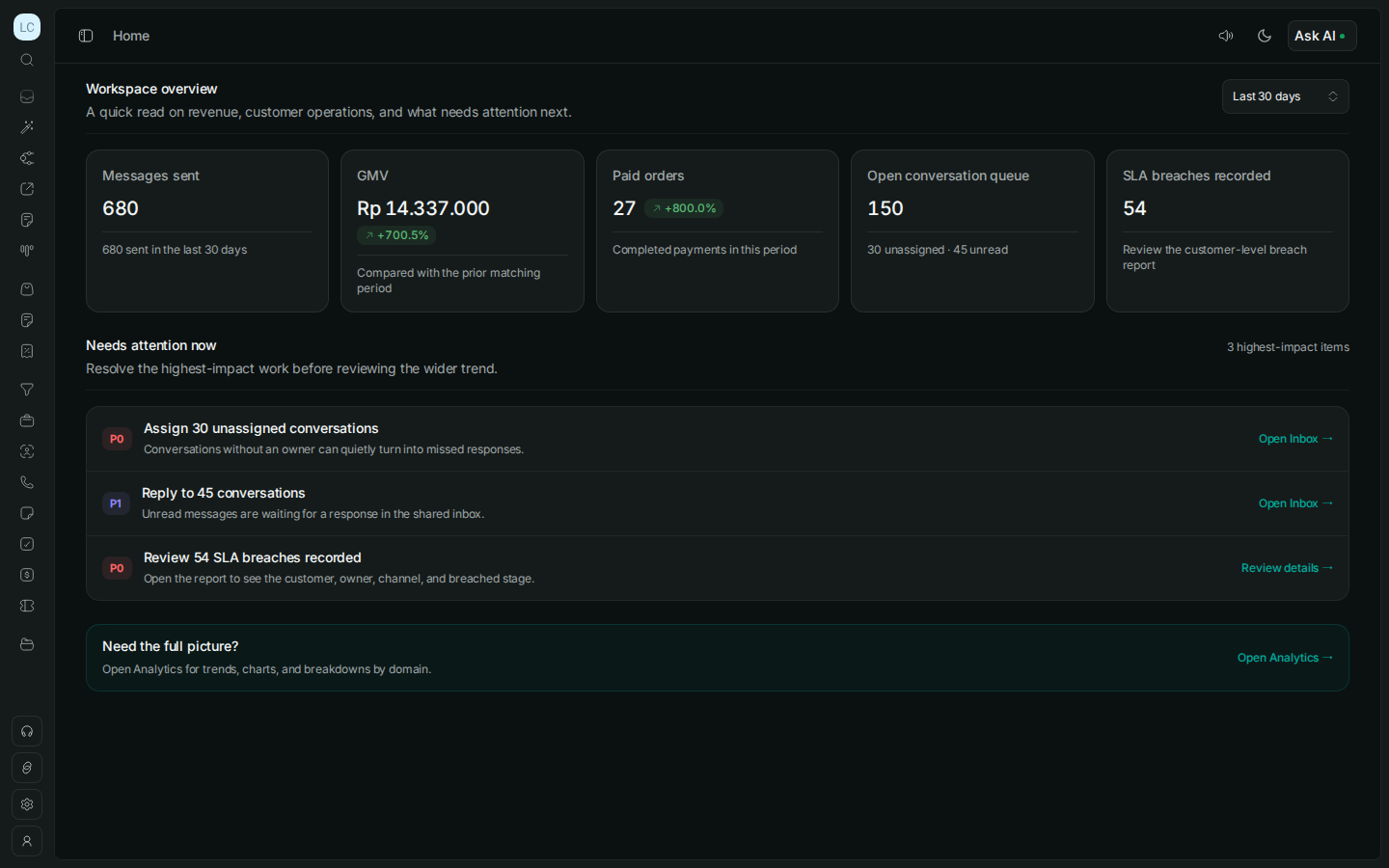
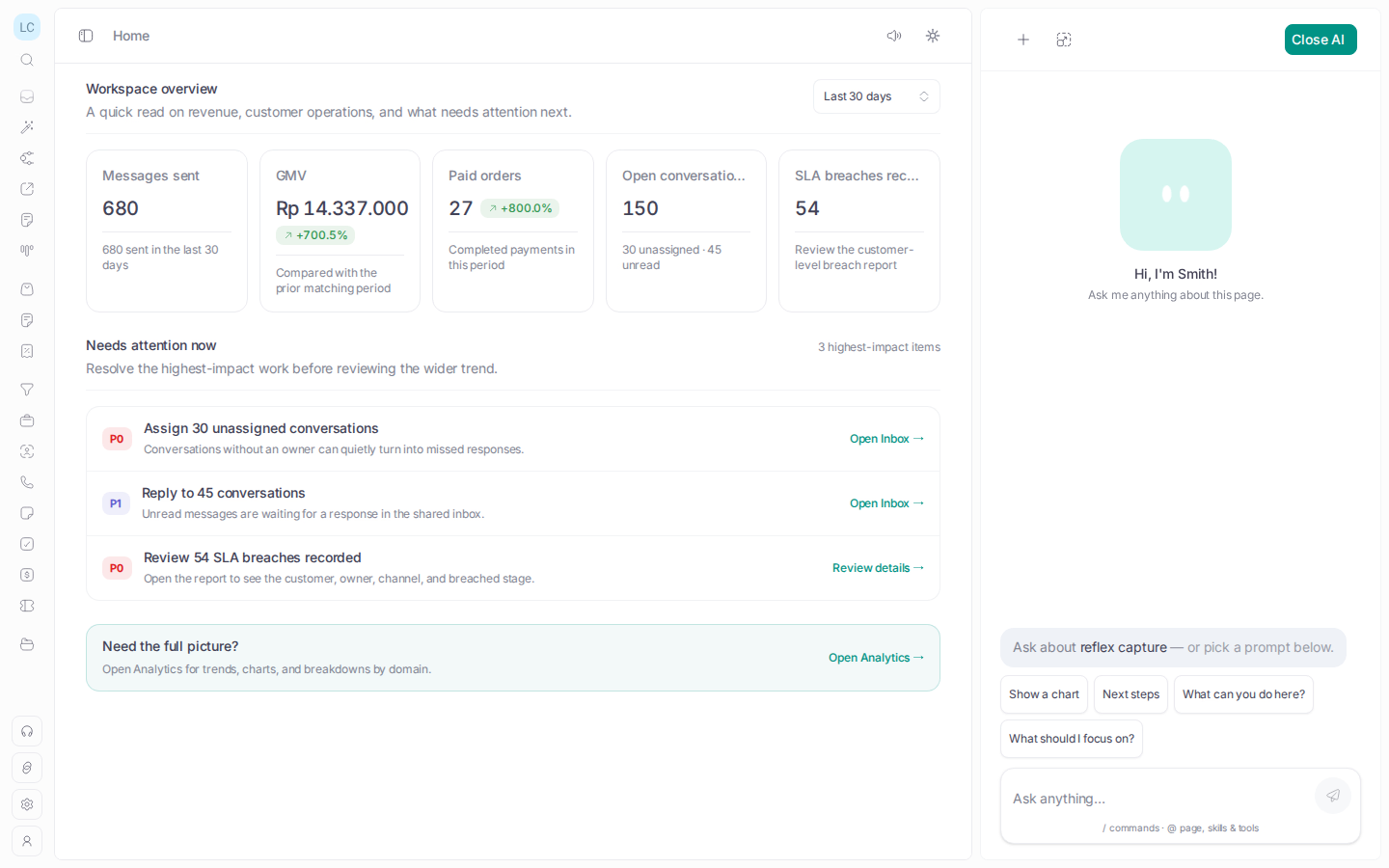
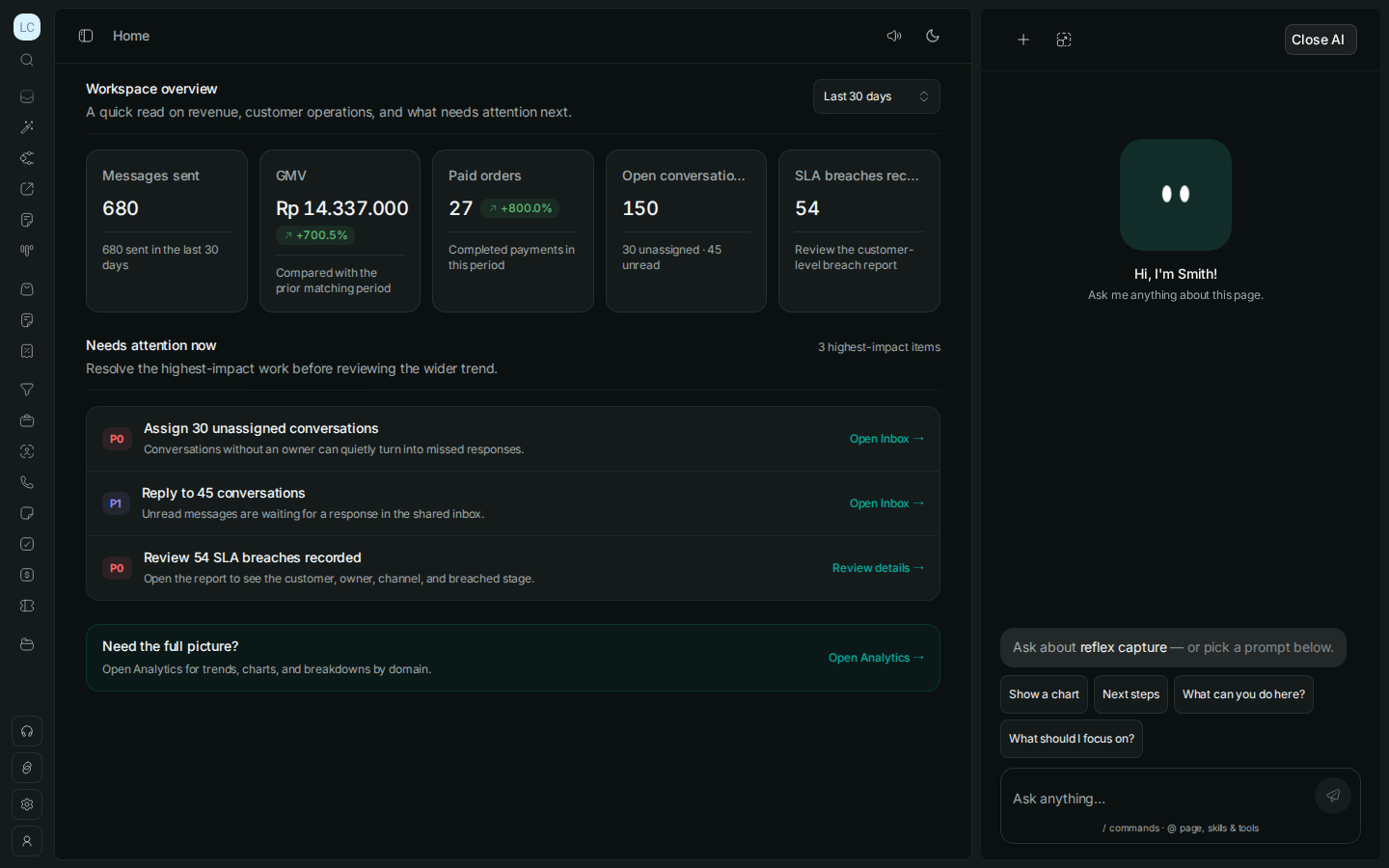
Messages, revenue, orders, ownership, and SLA risk stay visible in one operating view—so the next action is clear before the inbox gets louder.
A conversation is not complete because someone replied. See the owner, context, next action, and outcome in the same workflow.
Smith reads the agent you are building, then helps shape how it speaks, suggests work, and acts—so your team can move from first draft to controlled release.
Shape how your agent talks with customers using its brief, tone, knowledge, and conversation context—not a blank chat box.
Ask Smith to refine behavior or draft campaigns, segments, templates, automations, and replies. Your team reviews and publishes.
Use Smith to map approved tools and versioned flows into repeatable work, with Release Gate, approval rules, and human takeover for risky actions.
01 / 05 · Team inbox
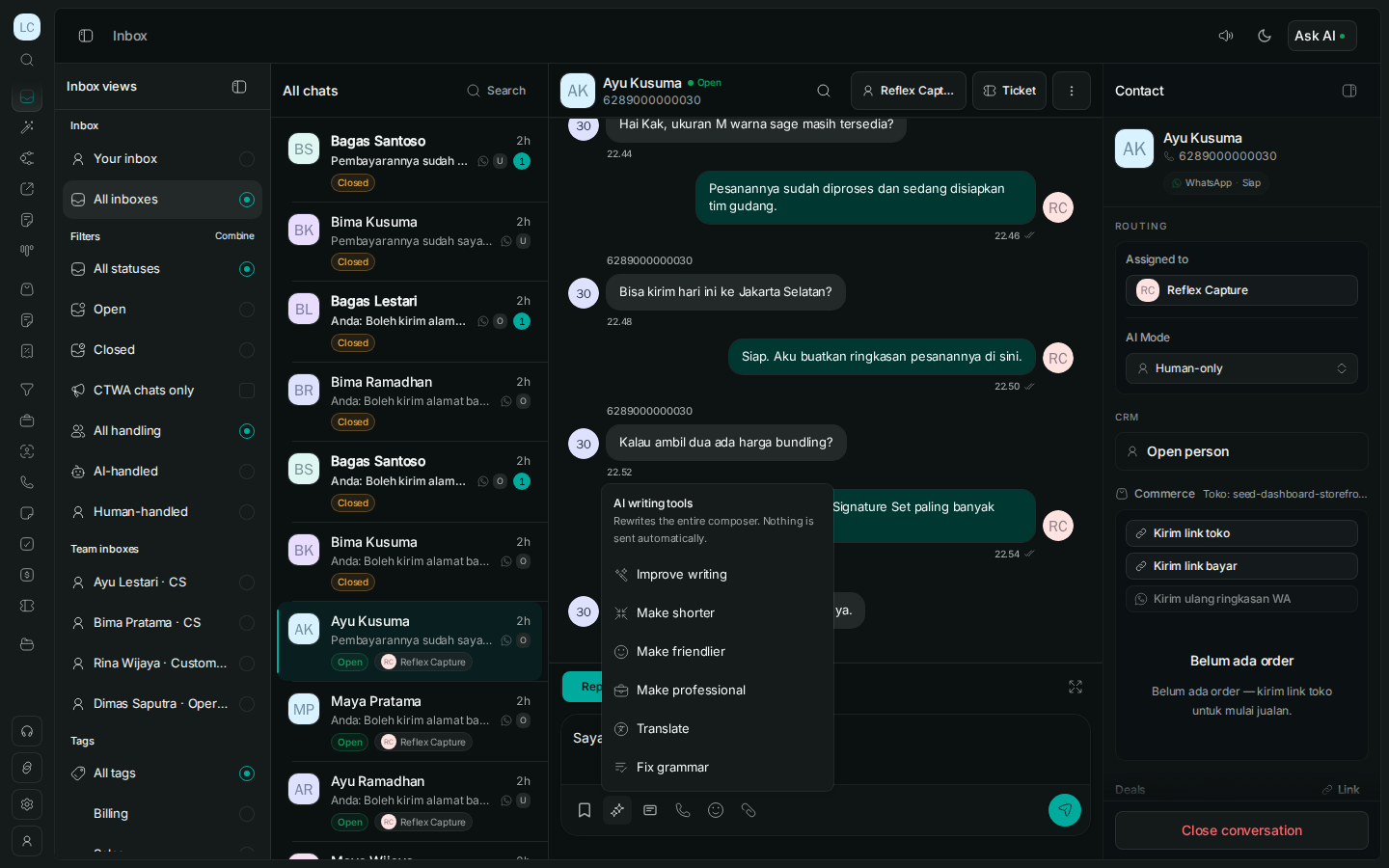
Bring WhatsApp conversations into one queue with assignment, labels, notes, SLA visibility, and customer context attached.
When context lives in one agent’s head—or in scattered chats—the next shift starts from zero. Keep the reply, reason, and next action visible, so customers do not have to repeat themselves.
See overdue replies, unassigned conversations, and next actions before they become another customer complaint.
See the customer context, owner, and reasoning in one place—so the next agent does not ask the customer to repeat the story.
Keep the language and next actions that work, then make them available to every shift when the next chat arrives.
Use the left and right arrow keys, Shift plus mouse wheel, or drag to browse WhatsApp features.
0 connected steps
We’ll map the owner, context, and next action with you—so the work can move after the reply.